2D simulation on pygame obviously is not robust enough so I am already exploring other advanced options, leading to NVIDIA’s Isaac Sim on NVIDA omniverse.
This clip clearly explain how to install or more precisely launch omniverse and then pick Isaac Sim, one of a suite of tools.
Currently my laptop is not set to install because even it has GPU but it’s a Intel(R) UHD integrated graphics. the processor is: Processor 12th Gen Intel(R) Core(TM) i7-12800H, 2400 Mhz, 14 Core(s), 20 Logical Processor(s).
However, it’s still worth documenting major steps following the clip:
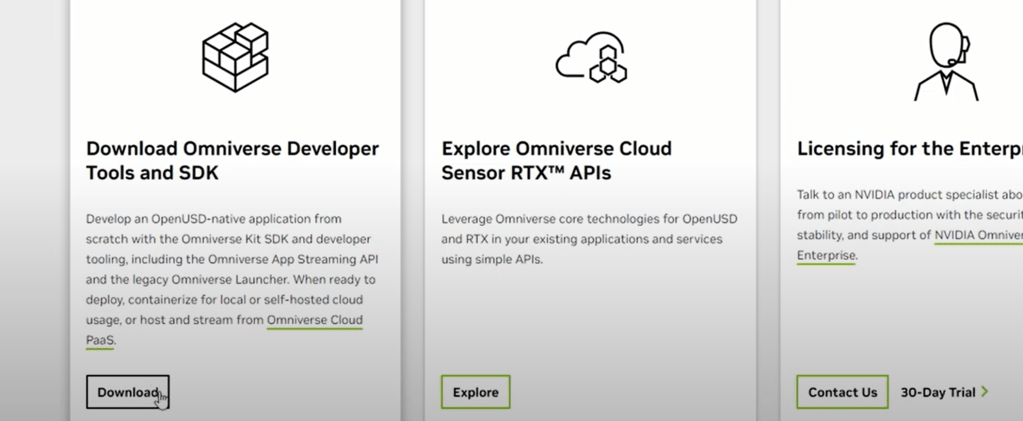
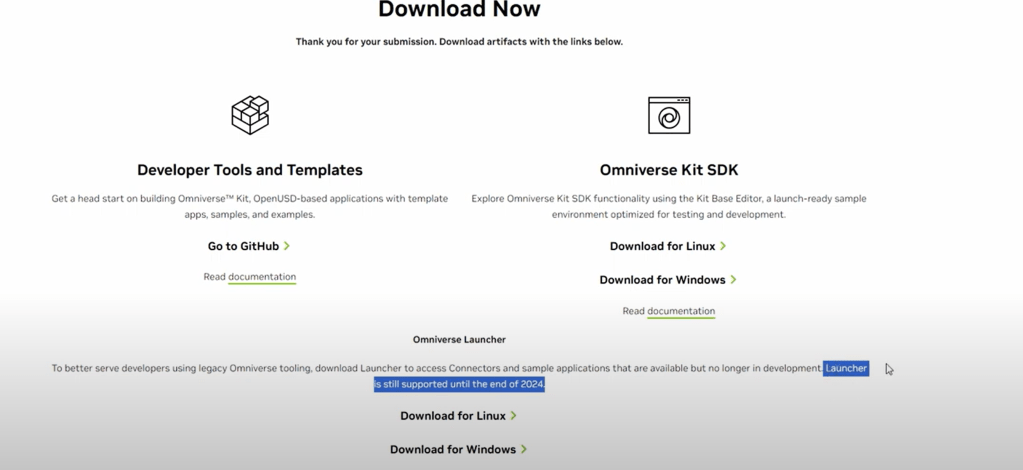
note i registered with gmail and used device (touch pin) mechanism.

Once in, look for apps in library, if Isaac Sim is not in, click exchange to launch it.
It takes bit time first installing Isaac, once done:
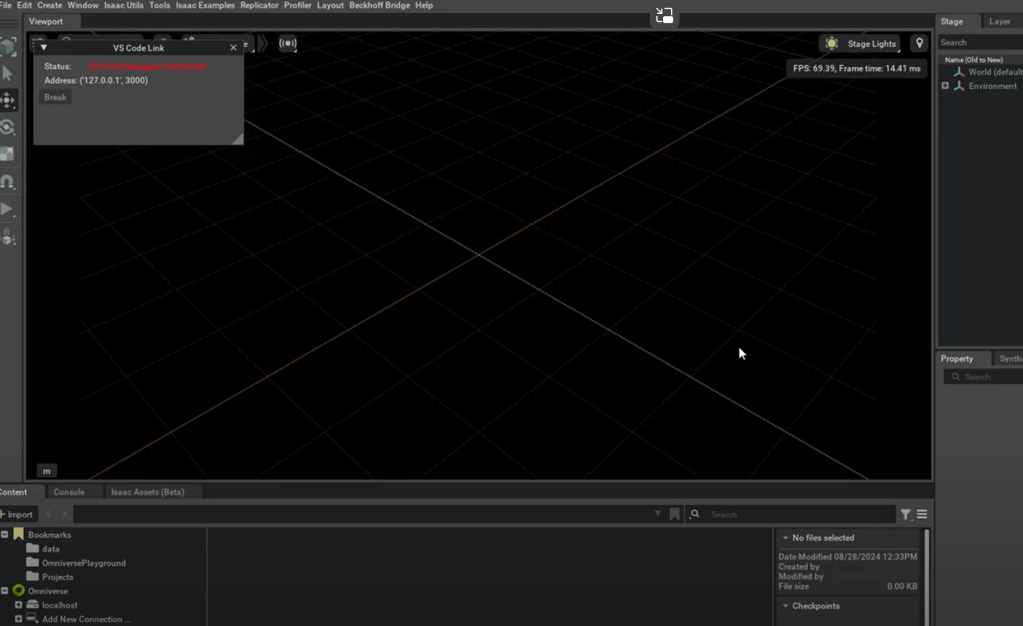
if there is any issue, go to exchange type ISAAC Sim compatibility check.
 Naixian Zhang