
then go to ROS2 jazzy web page to install Jazzy, there are binary package way and source way, it’s recommend to use binary package because it’s speed (sourced way may take more than an hour) and less complexity. then choose deb districutor.

ensure required repositories

then



Now ROS2 Jazzy is installed in Raspberry Pi, next to install Lidar



Now connect the Lidar, it’s spinning. then set up USB to get permission to read in and out data from Lidar




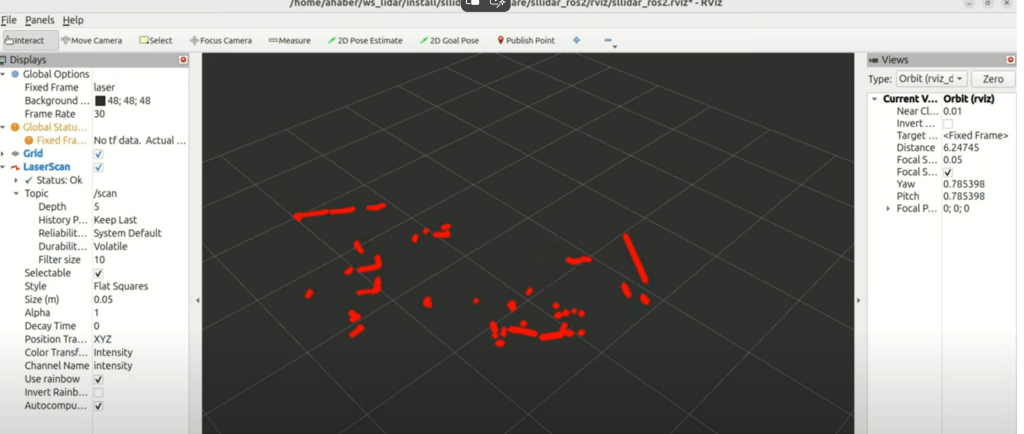
Rviz now is open
Next is to install camera and run, note the 24.4 version ROS doesn’t have camera program installed or supported well, kamoso is needed:

Alex wrote the publisher and subscriber py files reference here. But i doubt isn’t it come with the camera manufacturer or ROS should have developed a built-in one.
 Naixian Zhang